Peppy Publisher reviewer demo
Explore Studio, Projects and Etsy listing selection with synthetic data. The demo works without an account and makes no Etsy requests.
Open the interactive demo
- In Studio, open the project picker, choose Pitcher collection, then select Open Project.
- In Projects, change the private notes and select Save Notes. Changes last until reload.
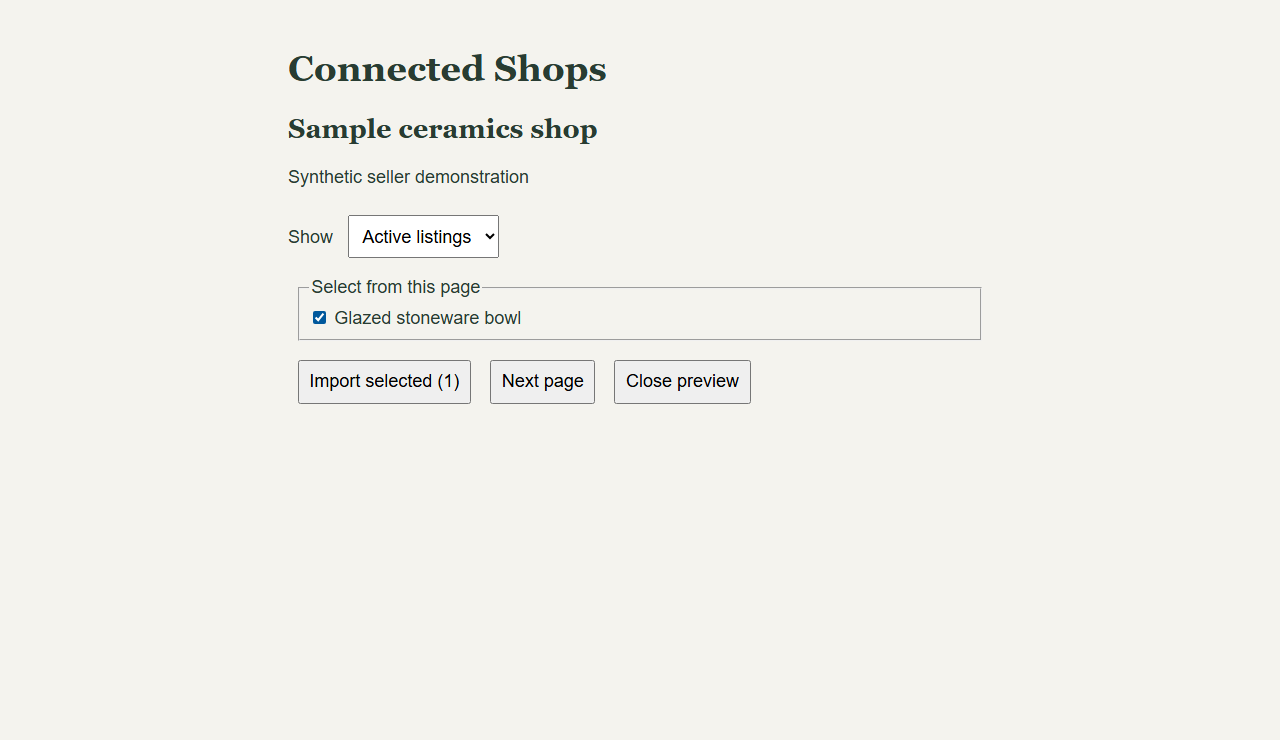
- In Connected Shops, choose listings to import. Select a listing, repeat the import to test duplicate prevention, then try Next page and Draft listings.
Synthetic listing selection walkthrough
The recording shows the listing selection screen, pagination, and an empty results state using fixture data.
Live OAuth and imports require seller authorization in their own workspace. Public activation is disabled. For a guided review, contact support@peppypublisher.com.
Peppy Publisher is an independent software service and is not affiliated with, endorsed by, or sponsored by Etsy.
Publisher homepage · Etsy API and data use